
If you need to complete a lalal.ai cancel subscription request quickly, the official in-account path is straightforward: go to Profile, choose Manage Subscription, select Cancel Subscription, and confirm the change. Once completed, your subscription remains active until the end of the current billing period.
This guide explains how to cancel safely, what happens to your access, how to prevent another renewal charge, and what to save for your records. It is designed for producers, podcasters, musicians, and trial-to-paid users who want clear next steps without guessing.
Official website · Latest pricing & offers
Quick Answer: How To Cancel LALAL.AI Subscription In 2026
The Shortest Path In Your Account
To start a lalal.ai cancel subscription request, log in to the account used to purchase your plan. From there, follow this route:
- Open your Profile page.
- Select Manage Subscription.
- Choose Cancel Subscription.
- Confirm the cancellation when prompted.
This is the official cancellation path. Do not rely on simply deleting your account, removing a payment method, or stopping use of the service, as those actions may not cancel an active subscription.
What To Expect Immediately After Cancellation
Cancellation does not mean your paid access disappears on the same day. According to LALAL.AI’s official guidance, the subscription stays active until the end of the current billing period.
In practical terms, a successful lalal.ai cancel subscription action should stop the next renewal while allowing you to use your existing paid access for the rest of the active term. Save a screenshot of the confirmation screen and check for a confirmation email after completing the process.
Step-By-Step: Cancel Your LALAL.AI Plan
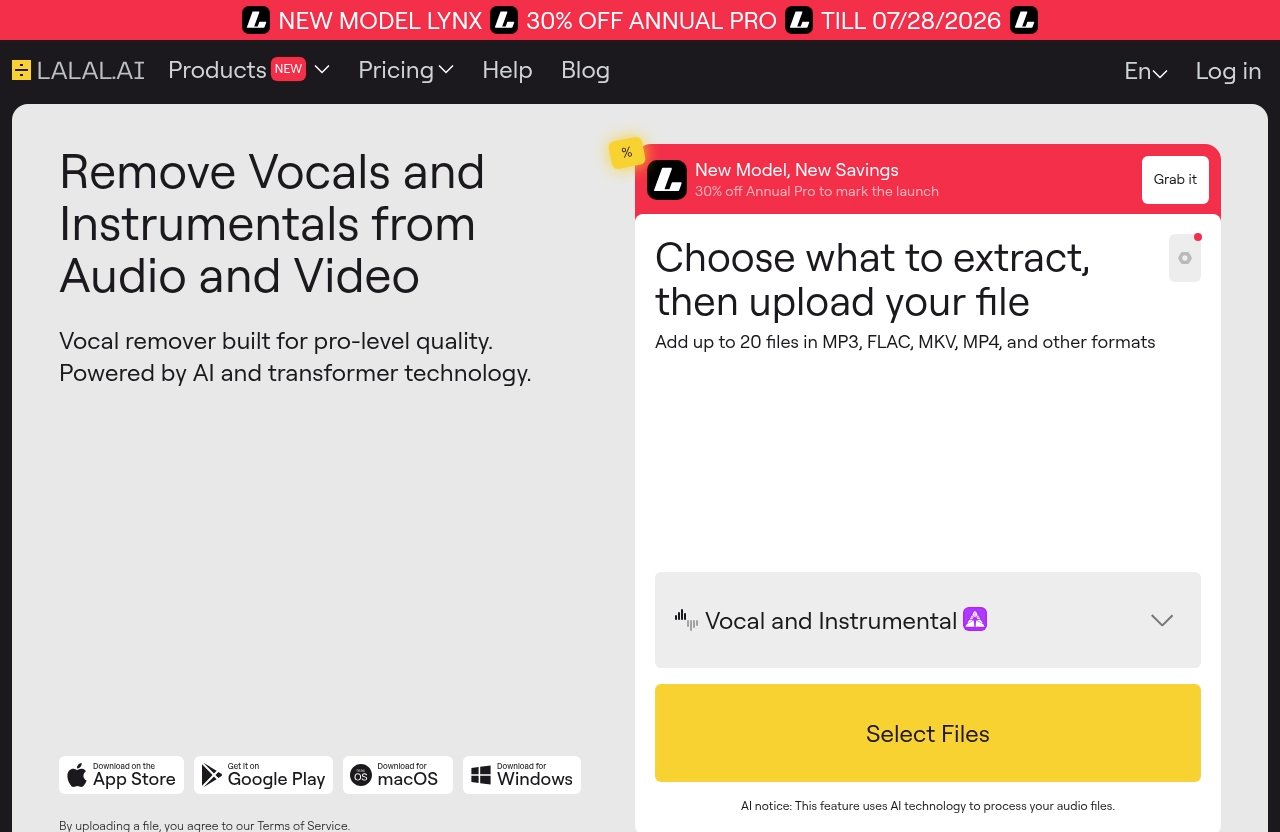
Log In To Your LALAL.AI Account
Start by signing in at the LALAL.AI website with the email address and login method connected to your purchase. This detail matters if you have used more than one email address, Google account, or sign-in option.
If you cannot see your paid plan after logging in, pause before making changes. You may be in a different account from the one that holds the subscription.
Open Your Profile Page
After signing in, open your LALAL.AI profile page. This is where the service places account-level settings and subscription controls.
For anyone searching how to cancel lalal ai subscription, the Profile area is the key location to remember. You should not need to search through audio-processing tools or upload pages to find billing settings.
Click Manage Subscription
Within your Profile page, select Manage Subscription. This should take you to the area where you can review your current plan and subscription status.
Before proceeding, take a moment to verify the plan shown on screen and look for the displayed renewal or billing information. Knowing the date helps you decide whether to cancel immediately or finish any important work first.
Select Cancel Subscription
Choose Cancel Subscription in the subscription management area. Follow the on-screen prompts carefully until the cancellation is confirmed.
A lalal.ai cancel subscription request should be completed inside your account rather than through your bank or card provider as a first step. Canceling through the official account controls gives you the clearest record that automatic renewal was turned off.
Confirm The Cancellation
Read the confirmation screen before leaving the page. The important point is that your plan remains active through the current billing period, rather than ending at once.
If the page indicates that cancellation has been processed, capture a screenshot. Also check your inbox and spam folder for an email record, if one is sent to your account.
Save Proof Of Cancellation
Save at least two forms of proof where possible:
- A screenshot of the cancellation confirmation
- Any confirmation email received
- The renewal date shown before or after cancellation
- The account email address used for the purchase
This small step can make a future billing question much easier to explain. It is especially useful when you cancel close to a renewal date.
When Cancellation Takes Effect And How Billing Works
Monthly Plan Timing
The current official pricing presentation lists Lite and Pro with monthly-equivalent prices that are billed annually. If your account displays a specific billing period or renewal date, use the information in that account as your primary reference.
The central rule remains the same: a lalal.ai cancel subscription action does not immediately remove access. Your subscription stays active until the end of the current billing period.
Annual Plan Timing
For annual billing, timing is particularly important because a yearly renewal can be easy to overlook. Lite is listed at €6.75 per month, billed annually at €81, while Pro is listed at €13.5 per month, billed annually at €162.
If you want to cancel lalal ai before renewal, do it well ahead of the displayed renewal date rather than waiting until the final hours. Then save proof and revisit the subscription page to confirm that the plan will not renew.
Will You Still Have Access After Canceling?
Yes, the official guidance states that the subscription remains active until the current billing period ends. That means canceling turns off future renewal; it does not normally erase the paid time you have already purchased.
Use that remaining period thoughtfully. Download results you need, finish important projects, and make note of any work you may want to revisit before your paid access ends.
Official website · Latest pricing & offers
Refunds, Renewals, And Charge Prevention
Is LALAL.AI Subscription Refundable?
The official FAQ states that the subscription is not refundable. In other words, ending a plan early does not mean unused time in the current billing period is automatically refunded.
Review the official LALAL.AI refund policy before making a purchase decision or submitting a billing question. This site may earn a commission through that link, but the cancellation guidance here is intended to help you choose the safest action for your own account.
How To Avoid Being Charged Again
The best way to avoid another charge is to complete the lalal.ai cancel subscription process before the renewal date listed in your account. Do not wait for a billing notification if you already know you no longer need the plan.
Use this quick charge-prevention checklist:
- Cancel through Profile > Manage Subscription > Cancel Subscription
- Confirm the cancellation on screen
- Save the confirmation email or screenshot
- Write down the displayed renewal date
- Check the account again before that date if anything looks unclear
This approach is more reliable than assuming an unused subscription will expire by itself.
What To Do If You Were Billed After Canceling
First, check the cancellation confirmation, your account status, and the renewal date you recorded. Confirm that the cancellation was completed in the same LALAL.AI account that was charged.
If a renewal charge appears unexpectedly after a completed cancellation, contact LALAL.AI customer support and provide your account email, cancellation evidence, and transaction details. Keep your message factual and concise, and avoid sharing full payment-card details in an email or support form.
Common Problems When Canceling LALAL.AI
Can’t Find Manage Subscription
If you cannot find Manage Subscription, make sure you are logged in to the correct account. Many creators accidentally sign in with a different email address or authentication method than the one used when they subscribed.
Check your purchase-related emails for clues about the account email. If the issue continues, use official LALAL.AI help resources for account-specific assistance.
Cancel Button Not Visible
A missing cancel option may mean you are not viewing the active subscription account or that you are not yet in the subscription management section. Return to the Profile page and select Manage Subscription rather than looking only at the plan comparison page.
Do not assume that a missing button means your subscription has already ended. Confirm the actual status shown in your account and contact support if the billing area does not match your records.
Canceled But Still Seeing Access
Seeing paid access after cancellation is usually expected. The LALAL.AI subscription active until end of billing period arrangement means your features remain available until the current term finishes.
This is not, by itself, evidence that cancellation failed. Look for a cancellation confirmation or a non-renewal status in the subscription management area.
Need Help With An Active Billing Issue
For an active charge or account discrepancy, gather your evidence before contacting support:
| Information to prepare | Why it helps |
|---|---|
| Account email address | Identifies the correct account |
| Screenshot of cancellation | Shows what you completed |
| Confirmation email | Provides a dated record |
| Renewal date | Clarifies timing |
| Transaction date and amount | Helps identify the charge |
If you need more account-help context, see our guide to LALAL.AI customer service in 2026. Keep your request focused on the specific issue instead of sending multiple duplicate messages.
LALAL.AI Subscription Options At A Glance
Starter
Starter is always free. The official pricing table lists 10 minutes in the Relaxed Queue and a 200MB upload size limit per file.
Starter does not include Fast Queue minutes or Voice Pack slots in the pricing table. It can be useful for users who want to move away from a paid plan without needing ongoing paid-plan capacity.
Lite
Lite is listed at €6.75 per month, billed annually at €81. It includes unlimited minutes in the Relaxed Queue, 90 Fast Queue minutes per month, a 2GB upload size limit per file, and one Voice Pack slot.
The official pricing table also shows Batch Processing for paid plans. If you are reviewing whether to keep or end this tier, our LALAL.AI pricing plans explained in 2026 article can help you compare the listed options before you finalize a cancellation.
Pro
Pro is listed at €13.5 per month, billed annually at €162. It includes unlimited Relaxed Queue minutes, 250 Fast Queue minutes per month, a 2GB upload limit per file, and three Voice Pack slots.
The official pricing table shows Batch Processing for paid plans. It does not list the VST Plugin or API Access as included for Starter, Lite, or Pro.
Which Plan Users Usually Need To Cancel
A lalal.ai cancel subscription request generally applies to users on a paid Lite or Pro subscription. Starter is always free, so it is not a paid plan that needs renewal cancellation.
Before you cancel, verify the name of your current plan in Manage Subscription. This prevents confusion if you have already moved to Starter or are comparing whether a lower-cost option would suit your workflow.
Best Practices Before You Cancel
Download Any Files Or Results You Need
Save any audio results, exports, and project files you may need before the paid period ends. Even though your access continues until the end of the current billing period, downloading essential work early removes unnecessary pressure.
Organize files with clear names and back them up outside your account. This is a sensible habit whether you keep the plan, downgrade your needs, or complete a lalal.ai cancel subscription request.
Check Your Renewal Date
Check the renewal date before and after canceling. Write it down beside your confirmation screenshot so you can easily verify that no future renewal should occur.
This is the most practical way to cancel lalal ai before renewal. If you are uncertain about what the date means, review the official billing details in your account rather than relying on an old receipt alone.
Review Remaining Usage/Minutes
Review your current workflow and remaining paid-period needs before canceling. Lite and Pro include unlimited Relaxed Queue minutes, while their Fast Queue allocations differ: 90 minutes monthly for Lite and 250 minutes monthly for Pro.
Avoid making assumptions about unused time and refunds. Since the official FAQ says the subscription is not refundable, it is wise to use the active period deliberately if you have projects still in progress.
Keep The Confirmation Email
Keep the cancellation email, if received, until after the current billing period ends and you have confirmed there was no renewal. Pair it with your screenshot and the renewal date for a complete record.
For a broader cost comparison before making a final choice, consider reading Does LALAL.AI cost money? free vs paid plans explained for 2026 and Is LALAL.AI worth the cost in 2026? The right decision depends on your actual project volume and queue needs.
Official website · Latest pricing & offers
FAQ
Can I Cancel Anytime?
Can I cancel LALAL.AI anytime? Yes. The official site says you can cancel whenever you need to through your account settings.
To do so, complete the lalal.ai cancel subscription process through Profile, Manage Subscription, and Cancel Subscription. Canceling before the listed renewal date is the safest way to avoid another billing cycle.
Does Canceling Stop Access Immediately?
Does LALAL.AI cancellation take effect immediately? No. The subscription remains active until the end of the current billing period.
This means you can usually continue using paid access until that date, even after automatic renewal has been canceled.
Is There A Refund If I Cancel Early?
Is LALAL.AI subscription refundable after cancellation? The official FAQ says the subscription is not refundable.
That is why it is important to review the LALAL.AI refund policy before purchasing and to use any remaining active subscription time if it is useful to you.
Where Do I Manage My Subscription?
How do I cancel my LALAL.AI subscription? Log in, open your Profile page, click Manage Subscription, choose Cancel Subscription, and confirm.
How do I stop LALAL.AI from charging me again? Cancel before the next renewal date, save your confirmation email or screenshot, and check the subscription status in your account. The safest next step is simple: cancel in account settings, keep proof, and verify the renewal date.